
GRUNDIG GSV Dishwasher


Doormatic
Interior Lighting
(Depends on the Model)
(depends on the model)
Thanks to the “Doormatic” feature on your
machine, the drying effectiveness of your
machine is improved and power is saved.
There are two options, namely “OFF” and
“ON”.
Some models have interior lighting to
illuminate the interior when the door is
opened.
1. After switching on your machine, press
the Settings Menu key for 3 seconds.
You may use sub-menu settings to change
“Doormatic” settings.
When you activate this function, the door
of your machine is opened automatically at
the end of the washing cycle.
In some models pressing the Menu
key only for once will allow you to enter
the Settings menu.
2. Press <- and +> keys to move to the
“L:” position on the display. Select the
position you want with the Selection
key. Interior lighting is off in “L:0”
position and on in “L:1” position.
Doormatic feature opens the door at
the end of the washing cycle thanks
to the “door opening shafts". This
process takes about 2 minutes. Do not
force to close the door if the power is
interrupted while the shafts are moving
out. Operation shall be completed
and shafts shall be retracted when the
power is restored.
3. Switch off the machine with the On/Off
key to save the changes.
Scheduling the washing time
Time Delay
If an economical electricity tariff is applied
in your region, you can use the Time
Delay function to wash your dishes during
appropriate hours.
You can delay the start of the selected
programme until 24 hours.
1. Press the Time Delay function key after
selecting the washing programme and
other auxiliary functions.
Doormatic function may cause
changes to the cycle time.
To change the Doormatic setting
1. After turning on your machine, press
the Menu button for 3 seconds.
2. With the <- and +> buttons, select “o:”
position on the screen.
3. Select one of the o:0 or o:1 positions
with the Selection button. At “o:0”
2. Once you press the Time Delay key,
Display Information Line will show
"0:30" and Time Delay indicator will
start flashing.
position, the “Doormatic feature” is
turned off. At “o:1” position, it is active.
The Doormaticindication of your
machine can be done with the letter
3. Set the desired time by pressing the
Time Delay key. Time will increase with
increments of 30 minutes up to 6 hours
and after that in 1 hour increments up
to 24 hours every time you press the
key.
"o" or the
door opening icon
depending on its model.
4. Exit from the settings menu by pressing
menu button. Your settings are saved
automatically.
4. Close the door of your machine after
setting the Delayed Start. Once
the delay time is over, the selected
programme will start automatically.
31/EN

| General | Details |
|---|---|
| Name | GRUNDIG GSV Dishwasher |
| Make | GRUNDIG |
| Language | English |
| Filetype | PDF (Download) |
| File size | 2.46 MB |
 (1 votes, average: 5.00 out of 5)
 Loading...

GRUNDIG GR5500 Dishwasher

GRUNDIG GNFP3440X Dishwasher

GRUNDIG GSV 42840 Dishwasher

GRUNDIG GSV 428420 Dishwasher


BLACK PLUS DECKER BDW200MW Dishwasher

BOSCH SMS4ETW14E Dishwasher

smeg DWAFI6224-4 Dishwasher

BOSCH SMV4HMX65M Dishwasher

Whirlpool OZT56J Dishwasher
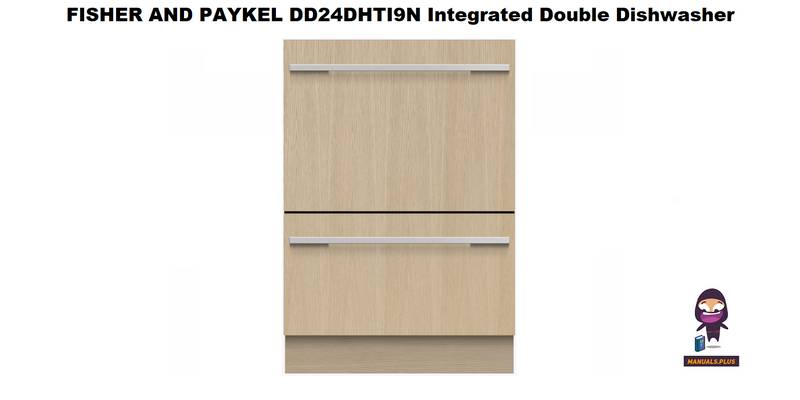
FISHER AND PAYKEL DD24DHTI9N Dishwasher

BOSCH SHE3AEE5N 100 Series Full Console Dishwasher

BOSCH SMS4EVI02E Dishwasher

Haier HDW13V1S1 Dishwasher

IKEA KALLBODA Dishwasher