
CDA CDI6132 Dishwasher






Buzzer sound control
To change the buzzer sound level, follow the below steps:
1. Open the door and press Programme (2) and Delay (4) buttons
simultaneously for 3 seconds.
2. When sound setting is recognized, buzzer gives a long sound
and machine will display last set level, from “S0” to “S3”.
3. To decrease sound level press Programme button (2). To
increase sound level, press Delay button (4).
4. To save the selected sound level, turn off the machine. ’’S0’’
level means all sounds are off. The factory setting is “S3”
Save Power Mode
To activate or deactivate Save Power Mode, follow the below steps:
1. Open the door and press Delay (4) and Half Load (5) buttons
simultaneously for 3 seconds.
2. After 3 seconds, the machine will display last Setting, “IL1” or “IL0”.
3. When Save Power Mode is activated, “IL1” will be displayed. On this
mode, interior lights will turn off 4 minutes after the door is opened,
and the machine will turn off after 15 minutes of no activity in order to
save energy.
4. When Save Power Mode is deactivated “IL0” will be displayed. If
Save Power Mode is deactive, interior lights will be on as long as
the door is open, and the machine will always be on unless it is
turned off by the user.
5. To save the selected setting, turn off the machine.
In factory setting, Save Power Mode is active.
11

| General | Details |
|---|---|
| Name | CDA CDI6132 Dishwasher |
| Make | CDA |
| Language | English |
| Filetype | PDF (Download) |
| File size | 0.46 MB |
 (1 votes, average: 5.00 out of 5)
 Loading...


BOSCH SBT6ZCX49E Household Dishwasher
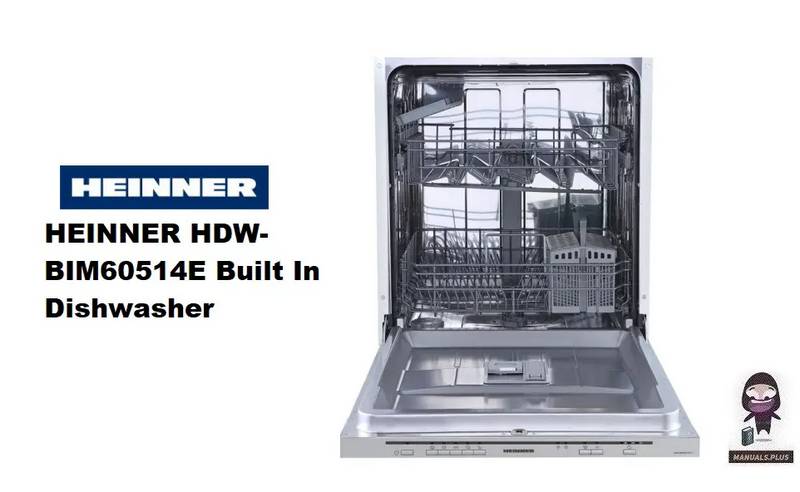
HEINNER HDW-BIM60514E Dishwasher

CMA DISHMACHINES UC65e M3 Undercounter Dishwasher

FISHER AND PAYKEL DW24UT4I2 Dishwasher

SIEMENS SN55ZS02BD Dishwasher

nelson AD40 Commercial Dishwasher

INDESIT DFE 1B19 UK Dishwasher

BOSCH SMH6TCX01E-46 Integrated Dishwasher

LG LDPH7972D PrintProof Black Smart Dishwasher

Fisher Paykel DW60UT4I2 Built Under Dishwasher