
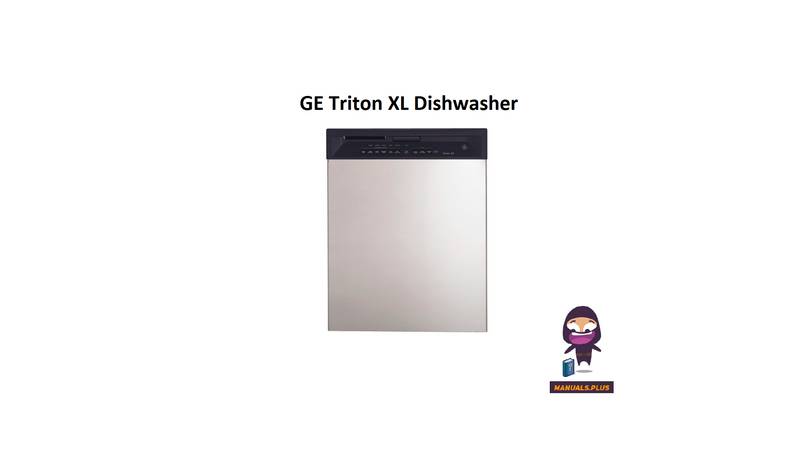
GE Triton XL Dishwasher


A
b
o
u
t
t
h
e
d
i
s
h
w
a
s
h
e
r
c
o
n
t
r
o
l
p
a
n
e
l
.
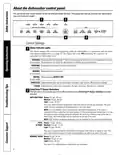
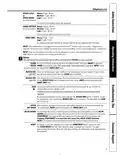
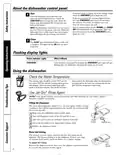
If you don’t want to change any of the settings, simply
touch the T pad to begin the cycle.
If the door is closed the indicator lights will turn
off if the T pad is not selected within
S
t
a
r
t
4
S
T
A
R
T
/
R
E
S
E
Close the dishwasher door and select the
cycle and desired enhancements. Touch the
T pad to begin the cycle. Water fill
S
T
A
R
T
/
R
E
S
E
S
T
A
R
T
/
R
E
S
E
two minutes. To activate the display, open and
close the door or press any pad.
begins, and approximately 60 seconds later the
wash action begins.
Also, if a power failure occurs,
N
O
R
M
A
L
a
n
d
H
E
A
T
E
D
N
O
T
E
:
T
h
e
d
i
s
h
w
a
s
h
e
r
r
e
m
e
m
b
e
r
s
y
o
u
r
l
a
s
t
c
y
c
l
e
s
o
D
R
Y
w
i
l
l
a
u
t
o
m
a
t
i
c
a
l
l
y
b
e
p
r
o
g
r
a
m
m
e
d
.
M
a
k
e
a
n
y
you don’t have to reprogram each time. When the
dishwasher door is fully closed, the control panel
lights will display the last settings you selected.
new selections and touch the
begin the cycle.
S
T
A
R
T
/
R
E
S
E
T
p
a
d
t
o
S
C
The
l
e
a
C
n
5
L
E
A
N
l
i
g
h
t
i
s
i
l
l
u
m
i
n
a
t
e
d
w
h
e
n
a
w
a
s
h
c
y
c
l
e
is complete. The light will stay
is opened.
O
N
u
n
t
i
l
t
h
e
d
o
o
r
F
l
a
s
h
i
n
g
d
i
s
p
l
a
y
l
i
g
h
t
s
.
S
t
a
t
u
s
I
n
d
i
c
a
t
o
r
L
i
g
h
t
s
W
h
a
t
I
t
M
e
a
n
s
S
T
A
R
T
/
R
E
S
E
T
Cycle has been interrupted by pressing the
S
T
A
R
T
/
R
E
S
E
T
p
a
d
.
L
i
g
h
t
w
i
l
l
q
u
i
t
flashing after the dishwasher automatically drains out the water.
O
U
s
i
n
g
t
h
e
d
i
s
h
w
a
s
h
e
r
.
C
h
e
c
k
t
h
e
W
a
t
e
r
T
e
m
p
e
r
a
t
u
r
e
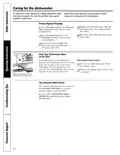
The entering water should be at least 120°F and not
faucet nearest the dishwasher, place the thermometer
in a glass and let the water run continuously into the
glass until the temperature stops rising.
more than 150°F, for effective cleaning and to prevent
dish damage. Check the water temperature with a
candy or meat thermometer. Turn on the hot water
i
®
U
s
e
J
e
t
-
D
r
y
R
i
n
s
e
A
g
e
n
t
®
J
e
t
-
D
r
y
r
i
n
s
e
a
g
e
n
t
r
e
m
o
v
e
s
s
p
o
t
s
a
n
d
p
r
e
v
e
n
t
s
n
e
w
f
i
l
m
b
u
i
l
d
-
u
p
o
n
y
o
u
r
d
i
s
h
e
s
,
g
l
a
s
s
e
s
,
flatware, cookware and plastic.
F
i
l
l
i
n
g
t
h
e
D
i
s
p
e
n
s
e
r
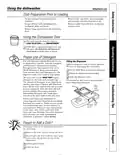
The rinse agent dispenser holds 3.5 oz. of rinse agent. Under normal
conditions, this will last approximately one month. Try to keep it full,
but do not overfill.
r
T
Make sure the dishwasher door is fully open.
1
Turn the dispenser knob to the left and lift it out.
2
Add rinse agent until the indicator window looks full.
I
w
n
d
i
c
d
a
o
t
w
o
r
3
i
n
D
i
s
p
e
n
s
e
r
c
a
p
Clean up any spilled rinse agent with a damp cloth.
4
Replace the dispenser knob.
5
R
i
n
s
e
A
i
d
S
e
t
t
i
n
g
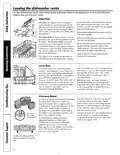
The amount of rinse agent released into the final wash can be
adjusted. The factory setting is at the midpoint. If there are rings
of calcium (hard water) spots on dishes, try a higher setting.
R
i
n
e
s
n
s
e
t
t
To adjust the setting
C
a
g
Remove the dispenser knob, then turn the adjuster counterclockwise
to increase the amount of rinse agent.
a
d
j
u
e
r
6

| General | Details |
|---|---|
| Name | GE Triton XL Dishwasher |
| Make | GE |
| Language | English |
| Filetype | PDF (Download) |
| File size | 0.75 MB |
 (1 votes, average: 5.00 out of 5)
 Loading...

GE CGP6030 30 Inch Gas Cooktop with Dishwasher

GE JGP3036 36 Inch Gas Cooktop with Dishwasher
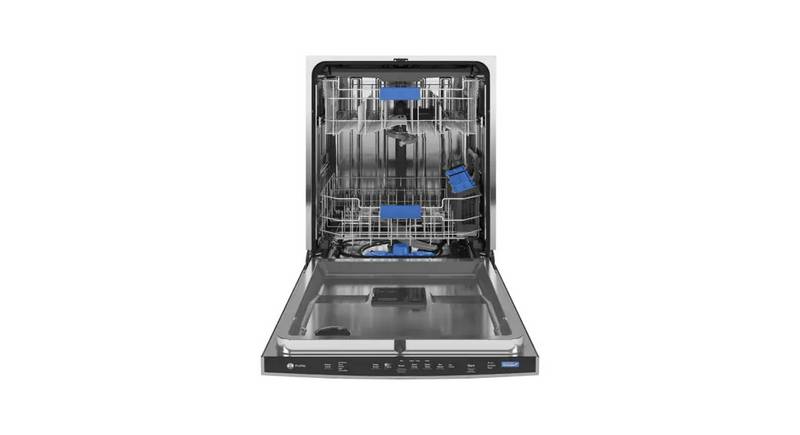
GE PDP755SYV Profile UltraFresh System Dishwasher

GE PDT755SYV Profile UltraFresh System Dishwasher
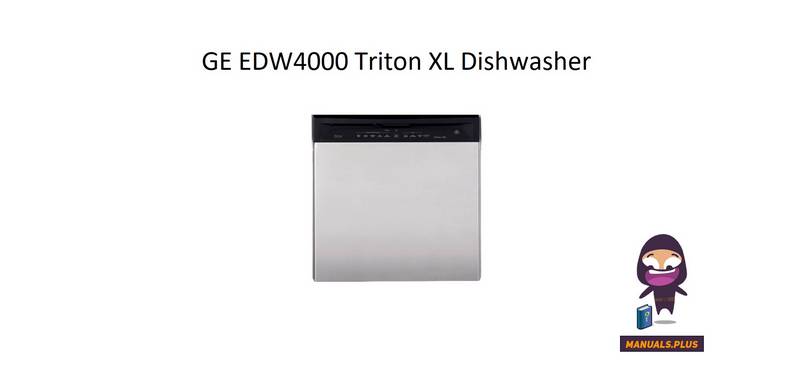
GE EDW4000 Triton XL Dishwasher

GE GDF510PGR Plastic Interior Dishwasher

INDeSIT D2F Dishwasher

BOSCH B Voll-I Fully Integrated Dishwasher

Haier HDW15F2S1 Dishwasher

Bellini BDWM48B Dishwasher

FISHER PAYKEL DW60FC6X1 Dishwasher

FOTILE BD2B-G2-Y Dishwasher

FISHER PAYKEL DD24DCTW9 N Tall Dishwasher

TESLA WD690MW Dishwasher

BOSCH SHE4AEM5N Dishwasher

Whirlpool 400011716396 Dishwasher