
Home > KingFisher > KINGFISHER KF1000DW Deluxe Passthrough Dishwasher
KINGFISHER KF1000DW Deluxe Passthrough Dishwasher


Starting a wash cycle
1. Ensure that all items receive a pre rinse
before going through the wash cycle. This is to
ensure no grease/grime or excess food stuff goes
into the wash tank.
2. Place the items in the basket ensuring there is
nothing poking through the holes in the basket
that may interfere with the bottom wash/rinse
arm rotation.
2
3
4
3. Close the hood and turn the Black Dial to
Position 2, 3 or 4 for your preferred wash cycle.
4. The unit will perform the wash cycle and then
a small rinse cycle.
5. Open the hood and remove the tray, closing
the door to ensure there is minimal loss of heat
or vapour, as this can cause electrical problems.
DRAINING
Draining and end of day cleaning
1. When the machine requires to be emptied,
generally at the end of the day, remove the tray
and release the overflow ensuring the filter
remains in place until all water has drained.
5
2. Turn the black dial to position 5.
3. The drain pump will start and water will
begin to empty from the tank going through the
drain pipe to your external waste pipe. It may be
necessary to perform this procedure more than
once should there is residual left over.
4. Once emptied, ensure you complete your
daily/monthly cleaning procedure.
7

| General | Details |
|---|---|
| Name | KINGFISHER KF1000DW Deluxe Passthrough Dishwasher |
| Make | KingFisher |
| Language | English |
| Filetype | PDF (Download) |
| File size | 0.39 MB |
 (1 votes, average: 5.00 out of 5)
 Loading...

KINGFISHER KF500 Undercounter Glass and Dishwasher


SIEMENS SN23HW60CE Dishwasher

BOSCH 9001884369 Dishwasher

Miele G 5006 SCU Electric Dishwasher

FISHER PAYKEL DD60D4HZB9 Built Under Dishwasher

Miele Dishwasher

GAGGENAU 400 Series Dishwasher

BOSCH SMH4HCX19E Dishwasher

JENNAIR W11680101A Dishwasher

maidaid halcyon AMH95WSD Water Softener Pass Through Dishwasher
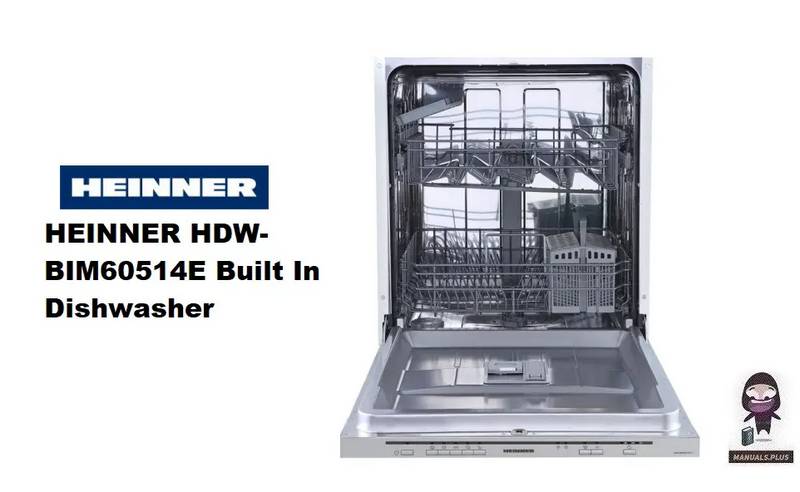
HEINNER HDW-BIM60514E Dishwasher