
Home > Fisher & Paykel > FISHER PAYKEL DD60DI9 DishDrawer Dishwasher
FISHER PAYKEL DD60DI9 DishDrawer Dishwasher


WI-FI CONNECTION & REMOTE MODE
Your appliance can be connected to your home wireless network and operated remotely
using the app.
Getting started
z
Ensure your home Wi-Fi network is turned on.
You will be given step by step guidance on both your appliance and mobile device.
z
z
It may take up to 10 minutes to connect your appliance.
For further guidance and troubleshooting, please refer to the app.
z
On your mobile device:
2 Register and create an account.
3 Add your appliance and set up the Wi-Fi connection.
Connecting to your home Wi-Fi
Ensure there is no wash in progress, then
open the drawer. Press and hold and
together for four seconds.
1
Press and hold to connect to the
Wi-Fi network.
2
When flashes, follow the prompts within
the app to complete set-up.
Press to save and leave the menu after
Wi-Fi is connected. If at any time, you want
to exit the menu, press and hold to cancel.
3
26

| General | Details |
|---|---|
| Name | FISHER PAYKEL DD60DI9 DishDrawer Dishwasher |
| Make | Fisher & Paykel |
| Language | English |
| Filetype | PDF (Download) |
| File size | 2.53 MB |
 (1 votes, average: 5.00 out of 5)
 Loading...

FISHER PAYKEL DD24DCHTX9 N Dishwasher

FISHER PAYKEL DD24DCTW9N Dishwasher

FISHER PAYKEL DD24SCTX9 N Dishwasher

FISHER PAYKEL DD60SCHX9 Dishwasher

FISHER PAYKEL DD24DI9N Sanitize Dishwasher

FISHER PAYKEL DD24SV2T9N Sanitize Tall Dishwasher

FISHER PAYKEL DD60DAX9 Dishwasher

FISHER PAYKEL DD60SDFHTX9 Dishwasher

FISHER PAYKEL DW24UT4I2 Dishwasher

FISHER PAYKEL DD24SVT9 Dishwasher


omega ODD614X Drawer Dishwasher

Electrolux EES48401L Dishwasher

AEG FFB53600PM Dishwasher
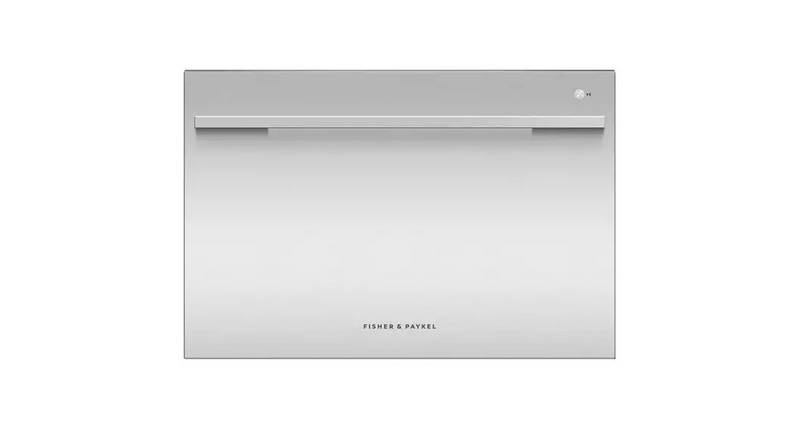
FISHER PAYKEL DD60SDFX9 Single DishDrawer Dishwasher

Hotpoint HSFO 3T223 Dishwasher

Amica EGSP 14797-1 E Dishwasher

IKEA FINPUTSAD Dishwasher

FISHER and PAYKEL DW24UT2I2 Sanitize Dishwasher

FISHER PAYKEL DD60DTX6I1 Dishwasher

BOSCH SMV25AX06E Dishwasher