
Home > LG Electronics > LG Electronics LDTH7972S 23.75 in. in PrintProof Smart Dishwasher
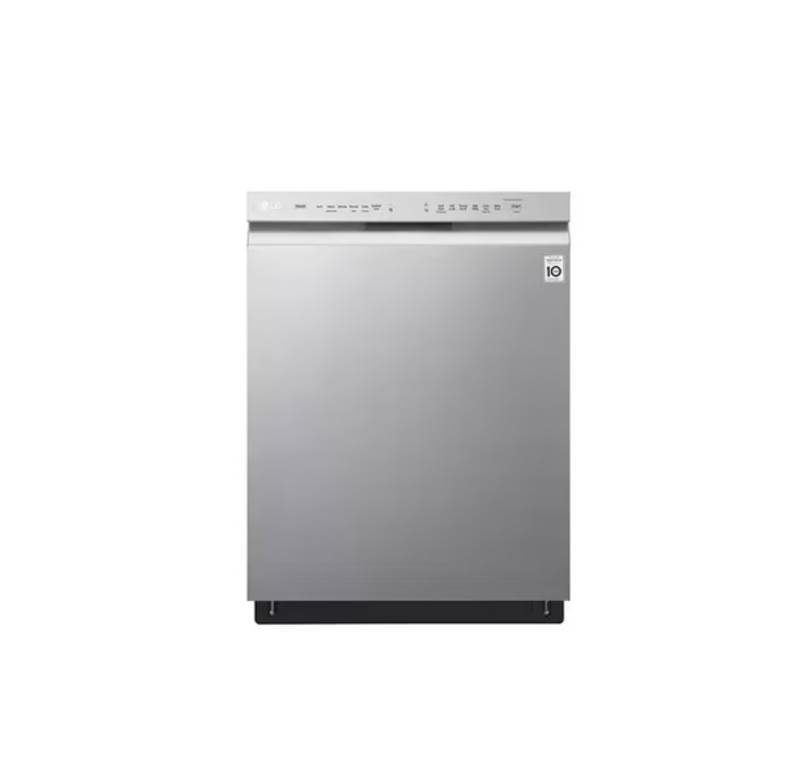
LG Electronics LDTH7972S 23.75 in. in PrintProof Smart Dishwasher


us_main.book.book Page 41 Wednesday, June 29, 2022 8:57 AM
SMART FUNCTIONS 41
router. Purchase a Wi-Fi repeater (range
4
5
Press the Remote Start button and close the
dishwasher door to enable the Remote Start
function.
extender) to improve the Wi-Fi signal strength.
• The Wi-Fi connection may not connect or may be
interrupted because of the home network
environment.
Start a cycle from the LG ThinQ application on
your smartphone.
• The network connection may not work properly
depending on the Internet service provider.
• The surrounding wireless environment can
make the wireless network service run slowly.
NOTE
• Once the Remote Start mode is enabled, you
can start a cycle from the LG ThinQ application,
but the cycle and option keys on the appliance
are deactivated. To activate the keys, disable
Remote Start.
• If the appliance cannot be connected due to
problems with the wireless signal transmission,
unplug the appliance and wait about a minute
before trying again.
• The door must be closed in order to activate the
Remote Start mode.
• If the firewall on your wireless router is enabled,
disable the firewall or add an exception to it.
• The wireless network name (SSID) should be a
combination of English letters and numbers. (Do
not use special characters.)
Disabling Remote Start
While Remote Start is activated, open the
dishwasher door or press the Remote Start
button with the door closed.
• Smartphone user interface (UI) may vary
depending on the mobile operating system (OS)
and the manufacturer.
• If the security protocol of the router is set to
WEP, network setup may fail. Change the
security protocol (WPA2 is recommended) and
connect the product again.
Radio Equipment Specifications
Frequency
Range
Output
Power
Type
Wi-Fi
2412 MHz - 2462 MHz
2402 MHz - 2480 MHz
Installing the LG ThinQ Application
< 30 dBm
Bluetooth
Search for the LG ThinQ application from the
Google Play Store or Apple App Store on a
smartphone. Follow instructions to download and
install the application.
FCC Notice
The following notice covers the transmitter
modulecontained in this product.
Using the Appliance Remotely
Remote Start
Use a smartphone to control the appliance
remotely or check to see how much time is left in
the cycle.
This equipment has been tested and found to
comply with the limits for a Class B digital device,
pursuant to Part 15 of the FCC Rules. These limits
are designed to provide reasonable protection
against harmful interference in a residential
installation. This equipment generates, uses, and
can radiate radio frequency energy and, if not
installed and used in accordance with the
instructions, may cause harmful interference to
radio communications. However, there is no
guarantee that interference will not occur in a
particular installation. If this equipment does
cause harmful interference to radio or television
reception, which can be determined by turning the
equipment off and on, the user is encouraged to
try to correct the interference by one or more of
the following measures:
Using Remote Start
1
2
3
Load the dishes into the dishwasher.
Press the Power button.
Make sure that the Wi-Fi is connected.
• Reorient or relocate the receiving antenna.

| General | Details |
|---|---|
| Name | LG Electronics LDTH7972S 23.75 in. in PrintProof Smart Dishwasher |
| Make | LG Electronics |
| Language | English |
| Filetype | PDF (Download) |
| File size | 2.35 MB |
 (1 votes, average: 5.00 out of 5)
 Loading...

LG Electronics LDPH7972D Dishwasher

LG Electronics LDPS6762S 23.75 in. PrintProof Smart Dishwasher
LG Electronics MFL30149780 Dishwasher

LG Electronics LDPS6762S Smart Dishwasher


BOSCH GV642 A Fully Integrated Dishwasher

GAGGENAU DF481100F 400 Series Dishwasher

IKEA 004.754.18 DISKAD Dishwasher

IKEA VILLBODA Dishwasher

FISHER PAYKEL DD60STX6I1 Dishwasher

SHARP QW-NA24S42DI-EE Dishwasher

GRUNDIG GSV Dishwasher

AEG FFB53600PM Dishwasher

SAMSUNG DW80BB70 Series Dishwasher

UNIQUE Classic Retro Dishwasher