
AEG FSK94858P Dishwasher





10.4 How to select and start a
programme using MY TIME
selection bar
1. Slide your finger across MY TIME
selection bar to choose a suitable
programme.
For information about the detergent
dosage, refer to the manufacturer's
instructions on the packaging of the
product. Usually, 20 - 25 ml of gel
detergent is adequate for washing a load
with normal soil.
•
•
•
The light related to the selected
programme is on.
The ECOMETER indicates the level of
energy and water consumption.
The display shows the programme
duration.
The upper ends of the two vertical ribs
inside the compartment (B) indicate the
maximum level for filling the dispenser
with gel (max. 30ml).
2. Activate applicable EXTRAS if desired.
3. Close the appliance door to start the
programme.
10.3 Remote start
Activate this function to remotely control and
monitor your dishwasher in My AEG Kitchen
app.
10.5 How to activate EXTRAS
1. Select a programme using MY TIME
selection bar.
2. Press the button dedicated to the option
you want to activate.
How to activate the remote start
•
•
The light related to the button is on.
The display shows the updated
programme duration.
The ECOMETER indicates the
updated level of energy and water
consumption.
Make sure that the indicator
is on and
your dishwasher is added in My AEG Kitchen
•
app. If not, refer to "Wireless connection".
1. Press
.
•
•
•
The light related to the button is on.
The indicator is off.
The indicator is on.
By default, options must be activated
every time before you start a programme.
If the latest programme selection is
enabled, the saved options are activated
automatically along with the programme.
2. Close the appliance door.
3. Use My AEG Kitchen app to remotely
operate the appliance.
Opening the door deactivates the remote
start. Refer to the information provided
further in this chapter.
It is not possible to activate or deactivate
options while a programme is running.
How to deactivate the remote start
Not all options are compatible with each
other.
Press until the display shows 0h.
•
•
The light related to the button is off.
The indicator is off.
Activating options often increases the
water and energy consumption as well as
the programme duration.
•
•
The indicator
is on.
The appliance returns to the
programme selection.
ENGLISH 21

| General | Details |
|---|---|
| Name | AEG FSK94858P Dishwasher |
| Make | AEG |
| Language | English |
| Filetype | PDF (Download) |
| File size | 2.14 MB |
 (1 votes, average: 5.00 out of 5)
 Loading...

AEG FSK76748P Dishwasher

AEG FSK53617Za Dishwasher

AEG FSK74747P Dishwasher

AEG FSE73507P Dishwasher

AEG GS60AIM Dishwasher

AEG FSB73427Z Dishwasher

AEG FSE74737P Quickselect Dishwasher

AEG FFB73727PM Dishwasher

AEG F8642FI Tall Tub Dishwasher

AEG FFE83800PM Dishwasher


FISHER PAYKEL DD60SDFHTX9 Dishwasher

FISHER AND PAYKEL DD24SV2T9 Dish Drawer Dishwasher

AEG FFB53627ZM Dishwasher

ELVITA CDM6605X Dishwasher

whirlpool WFE 2B19 X Dishwasher
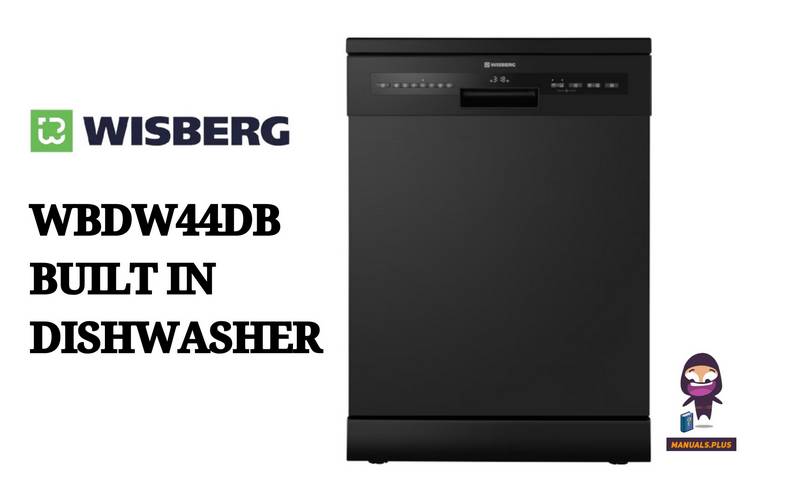
WISBERG WBDW44DB Dishwasher

BOSCH SHX3AR Dishwasher

BOSCH SMS4ETI02E Dishwasher

BOSCH SMS4IKW51Q Free Standing Dishwasher

BOSCH SMH4HVX00G Fully Integrated Dishwasher