
beko DIT39434C2 Fully Integrated Dishwasher


than one device
You can use your dishwasher on more than
one smart device. Install the HomeWhiz
application on the other smart device
to use this feature. You need to log in
with your account upon launching the
application.
Product indicator when the function is
enabled.
If the account you have logged on
is the one to which you have added
appliance(s) before, you can start using
your dishwasher directly after logging
in.
If you press the remote start key while
the function is enabled, the Home Whiz
function will be disabled, and the product
indicator will return to the delay time/
programme time display.In the off position,
the HomeWhiz key LED will go off.
You can check the indicator on the
product to see if wireless connection
is enabled or not. If the wireless
connection is off, you can see that
the Wireless icon is off. If the Wireless
icon is on, this means that the wireless
connection of the product is on and
the product is connected to the
Follow the steps below to use
an already setup dishwasher
through a new account.
1. Create a new account and use this
account to log into the HomeWhiz
application.Make sure that you
selected the “Request Access”.
2. Enter the household owner’s e-mail
adress for authorization.
3. Your request to add the appliance will
be sent to its owner via e-mail. You can
start to use the appliance jointly once
the owner confirms your request.
wireless network. If the Wireless icon
is continuously flashing at regular
intervals, this means that it is enabled
but could not connect or is trying to
connect the network.
Your smart device and dishwasher do
not need to be connected to the same
network once the setup processes are
complete. You can use your appliance
as long as your smart device is
Wireless connection on/off
Press the “Menu” key for 1 second to enter
the settings menu. Follow the screen and
press <- and +> keys on the panel, then
wait until the wireless connection indicator
comes on. Press the selection key and if the
wireless connection is on, turn it off; if it is
off, turn it on. In the wireless connection
on/off settings menu, if the wireless
connection is on, the wireless connection
indicator will light permanently; if it is off,
the wireless connection indicator will flash
at short intervals.
connected to the internet.
Under the “Devices” section you can
see the appliances paired with your
account. You can perform the user
pairing processes of these appliances
from this page.
HomeWhiz on/off
Press the remotestart key to enable the
function.
HomeWhiz troubleshooting
Follow these instructions if you encounter
a control or connection problem. If it
persists, take the next step.
39 USA

| General | Details |
|---|---|
| Name | beko DIT39434C2 Fully Integrated Dishwasher |
| Make | Beko |
| Language | English |
| Filetype | PDF (Download) |
| File size | 7.02 MB |
 (1 votes, average: 5.00 out of 5)
 Loading...

beko DUT25401WHW Front Pocket Handle Dishwasher

beko BDIN38522Q Dishwasher

beko BDFN26450A Dishwasher

beko BDFS26046XQ Dishwasher

beko BDFN26521XQ Dishwasher

NMG0724BEKODI Dishwasher

beko 943711 Dishwasher

beko DIN15210 Full-Size Dishwasher

beko 57 6190 0000 Tall Tub Dishwasher

beko BDIN38650C Dishwasher


BUSH DWFSE126W DWFSE126B Size Dishwasher

BOSCH SHP87P Dishwasher

Di LUSSO DW269SS Dishwasher

Miele AK-CC 550A APFD 102 Dishwasher

INVENTUM VVW4530AW Dishwasher

FISHER AND PAYKEL DD60DTX6I1 Dishwasher

Hisense HV642C60 Dishwasher

FISHER and PAYKEL DD24DTX6HI1 Tall Dishwasher
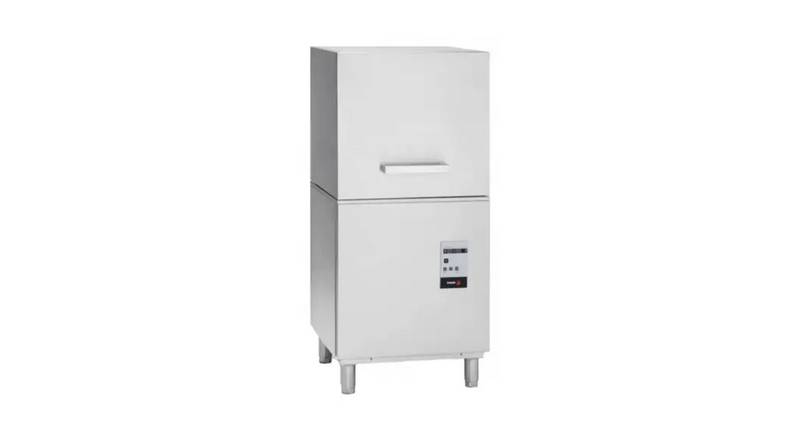
FAGOR AD-120CW Door Style Dishwasher

FISHER AND PAYKEL DD24DV2T9 Dishwasher