
beko DIT39434C2 Fully Integrated Dishwasher


with your e-mail address on the application.
Once you've completed the registration
process, you can use all HomeWhiz
supported appliances in your house
through this account.
Under the “Devices” section you can see
the appliances paired with your account.
You can perform the user pairing processes
of these appliances from this page.
Initial setup
HOMEWHIZ FUNCTION
You can check your dishwasher and learn
about its status via your smart device with
the HomeWhiz function.
HomeWhiz only runs on a frequency
band of 2.4GHz.
You can use your machine via your
smart device while the function
is selected. You can monitor your
machine through the application when
the function is not selected.
1
Tap “Add Device” and select
“Dishwasher” under the “Kitchen
Devices”.
You can check the indicator on the
product to see if the function is
enabled or not.
2
Scan the barcode or enter the stock
number located at the side of the door.
If the function is disabled, the Wireless
indicator will be off or continuously flash
at short intervals. For example, when the
wireless connection setting is off or the
door of the machine is open.
3. When the machine is off, press the
on/off key and the remote control
key simultaneously to get your device
ready for the HomeWhiz setup.
4. Select the network to which you want
to connect your dishwasher and enter
the password.
The function will be disabled when
the door of the dishwasher is open or
when operations regarding On/Off are
performed on the machine. It can be
enabled again with the remote control
key.
5. While the dishwasher is connecting to
the selected network, you will see the
HomeWhiz icon ( ) flashing. Once the
connection has been established, the
said icon will become on permanently.
6. Give a name to your dishwasher. This is
the last step. You can see your product
on the “Devices” page.
7. Once the setup of the dishwasher
has been performed successfully, the
product will show the main screen
automatically and return to the use
mode.
The display when HomeWhiz is enabled.
HOMEWHIZ SETUP AND
USER ACCOUNT SETTINGS
Install the HomeWhiz application from the
application store of your smart device to
use the Remote Control function of your
machine. Make sure that your smart device
is connected to the internet to use the
application.
8. If the setup has failed, or if it could not
be completed within 5 minutes in the
setup mode, the HomeWhiz icon will
go off and the product will switch to
the off mode. To perform setup again,
please repeat the steps starting from
step 1.
If you are using the application for the first
time, complete the registration process
Using the dishwasher on more
38 USA

| General | Details |
|---|---|
| Name | beko DIT39434C2 Fully Integrated Dishwasher |
| Make | Beko |
| Language | English |
| Filetype | PDF (Download) |
| File size | 7.02 MB |
 (1 votes, average: 5.00 out of 5)
 Loading...

beko DUT25401WHW Front Pocket Handle Dishwasher

beko BDIN38522Q Dishwasher

beko BDFN26450A Dishwasher

beko BDFS26046XQ Dishwasher

beko BDFN26521XQ Dishwasher

NMG0724BEKODI Dishwasher

beko 943711 Dishwasher

beko DIN15210 Full-Size Dishwasher

beko 57 6190 0000 Tall Tub Dishwasher

beko BDIN38650C Dishwasher


Kenmore 665.1605 Ultra Wash Dishwasher
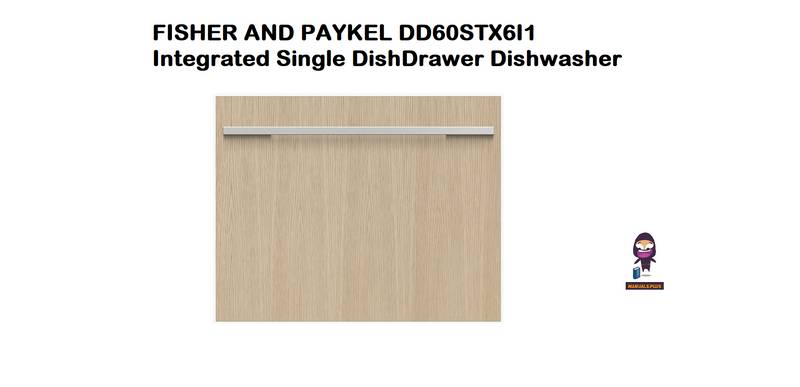
FISHER AND PAYKEL DD60STX6I1 Integrated Single DishDrawer Dishwasher

BOSCH SMU4ECI14S Dishwasher
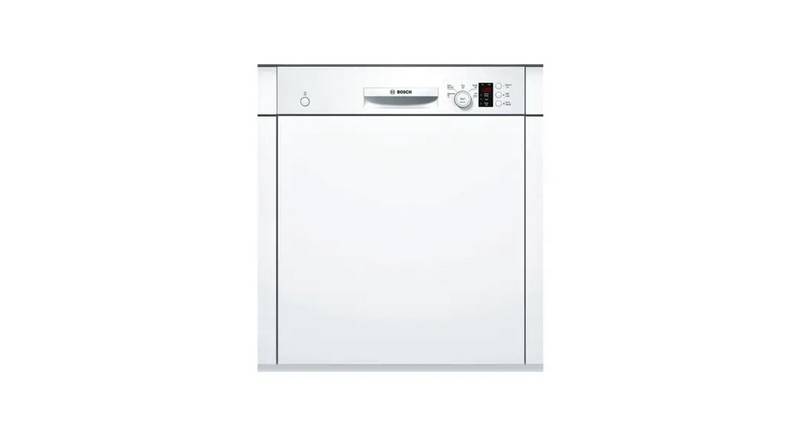
BOSCH SMV6HVX00I Fully- Dishwasher

BOSCH SMS4EMW06E Dishwasher

SIEMENS SN15ZS80CS Dishwasher

Rubicum DRYSTACK Multistage Dishwasher

Comfee CDC22P2AWW Dishwasher

FISHER AND PAYKEL DD24SV2T9 N Dishwasher

BOSCH SMS6TCW00E Dishwasher