
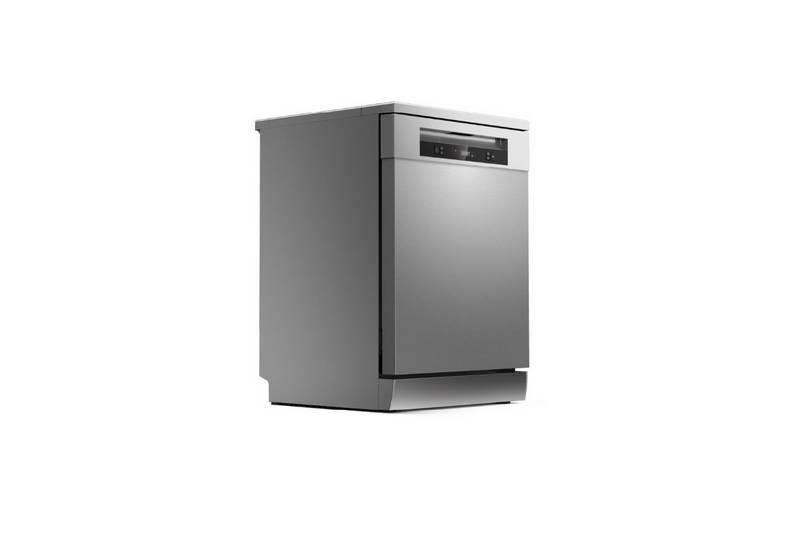
TOSHIBA DW-15F5SS-AU Dishwasher


Select a function and the corresponding icon will light up.
5
Function
+
Auto open
EXTRA DRYING Use this option when you want to dry your
dishes more completely. It can only be used
with Hygiene, ECO, Glass, 90 min.
POWER WASH
To wash very dirty, hard to clean dishes. It can
only be used with Hygiene, ECO, Glass, 90 min.
AUTO OPEN
After washing, the door will open automatically
to achieve better drying effect. Automatically
opens the door when the dishwasher is
turned on.
Press the Function button for 3 seconds to
select or cancel this function. It can not be used
with Rapid.
This option allows you to lock the buttons on the control panel, so
children cannot accidently start the dishwasher by pressing the buttons
on the panel. Only the Power button remains active.
6
Child lock
To lock or unlock the buttons on the control panel, press and hold
the Alt button + Function button for 3 seconds simultaneously.
Start/Pause
Display
7
8
To start or pause the washing process of the dishwasher.
When a program is selected, it shows the highest temperature and
length of the program.
when program starts, it shows the actual water temperature and the
remaining time of the program.
Waterꢀinsufficientꢀindicator
If the “ ”indicator is lit, it means the dishwasher is low on
dishwasher rinse aid and requires a refill.
12

| General | Details |
|---|---|
| Name | TOSHIBA DW-15F5SS-AU Dishwasher |
| Make | Toshiba |
| Language | English |
| Filetype | PDF (Download) |
| File size | 7.32 MB |
 (1 votes, average: 5.00 out of 5)
 Loading...

TOSHIBA DWS-22AMY(K) Dishwasher

TOSHIBA DW-08T1 Place Setting Dishwasher

FISHER PAYKEL DD60DDFB9 Dishwasher

NOBLE I-E SERIES-I HH Low Temperature Tall Door Type Dishwasher

FISHER PAYKEL WB60S Double Drawer Dishwasher

indesit 15B1 S Dishwasher

FISHER and PAYKEL DD60SDFTX9 Dishwasher

BOSS W11706919 Bult In Dishwasher

ELEKTRO MARKABOLT S175ECX13E Dishwasher

Indesit I0F D641A Dishwasher

Hotpoint H7F HS51 Dishwasher

SIEMENS SR65YX11ME Fully Dishwasher