
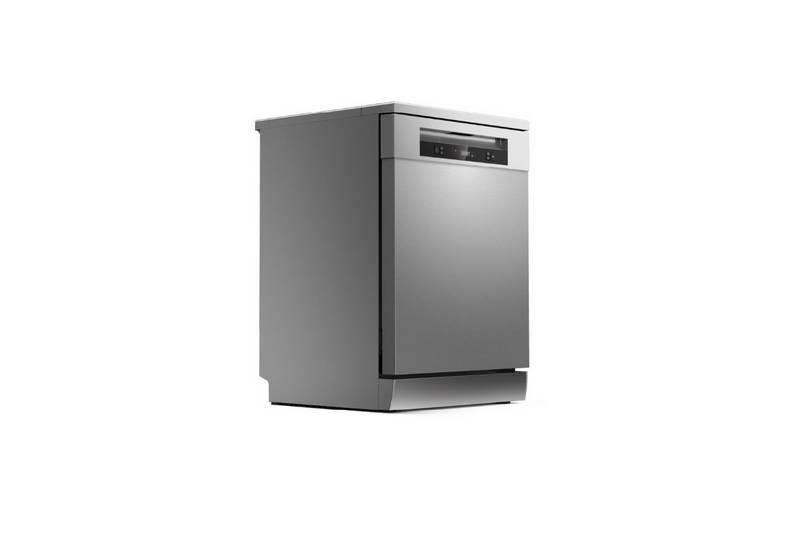
TOSHIBA DW-15F5SS-AU Dishwasher


Control panel
1
3
2
2
4
8
5
4
6
5
7
1
Power
Press this button to turn on your dishwasher.
2
Program
Select the appropriate washing program and corresponding icon will
light up.
AUTO
HYGIENE
ECO
Auto sensing wash, lightly, or heavily soiled
crockery, with or with out dried-on food.
Use to sanitize your dishes and glassware.
The highest water temperature is 75˚C.
This is standard program, it is suitable to clean
normally soiled loads, such as pots, plates, glasses
and lightly soiled pans, standard everyday cycle.
GLASS
90 MIN
RAPID
For slight dirty dishes and glasses.
For normally soiled loads that need quick wash.
For slight dirty dishes, the required cleaning time
is relatively short.
3
4
Delay start
Touch this button to set the delayed hours for washing. You can delay
the star of washing up to 24 hours. One touch on this button delays the
star of washing by one hour.
After setting the delay time, touch the Start/Pause button to start.
Press the button to select either upper basket or lower basket loaded,
and the corresponding indicator will light up.
Alt
UPPER
When you select Upper, only the dishes in the
upper rack will be washed. The spray system of the
lower basket will not operate.
LOWER
When you select Upper, only the dishes in the
upper rack will be washed. The spray system of the
lower basket will not operate.
11

| General | Details |
|---|---|
| Name | TOSHIBA DW-15F5SS-AU Dishwasher |
| Make | Toshiba |
| Language | English |
| Filetype | PDF (Download) |
| File size | 7.32 MB |
 (1 votes, average: 5.00 out of 5)
 Loading...

TOSHIBA DWS-22AMY(K) Dishwasher

TOSHIBA DW-08T1 Place Setting Dishwasher

VIKING VDWU724SS Dishwasher

Bauknecht B7I HF60 Dishwasher

ZLINE 65286411 Monument Dishwasher

Whirlpool WDF550SAFB0 Undercounter Dishwasher

BOSCH SX75ZX07CE Dishwasher

FISHER PAYKEL DW60FC1X114 Place Dishwasher

BOSCH SPV2HKX42G Dishwasher

SIEMENS SX93HX60CG Dishwasher

Fisher and Paykel DW60DOX1 FP AA Dishwasher

BOSCH SMS6TCW01G Dishwasher