
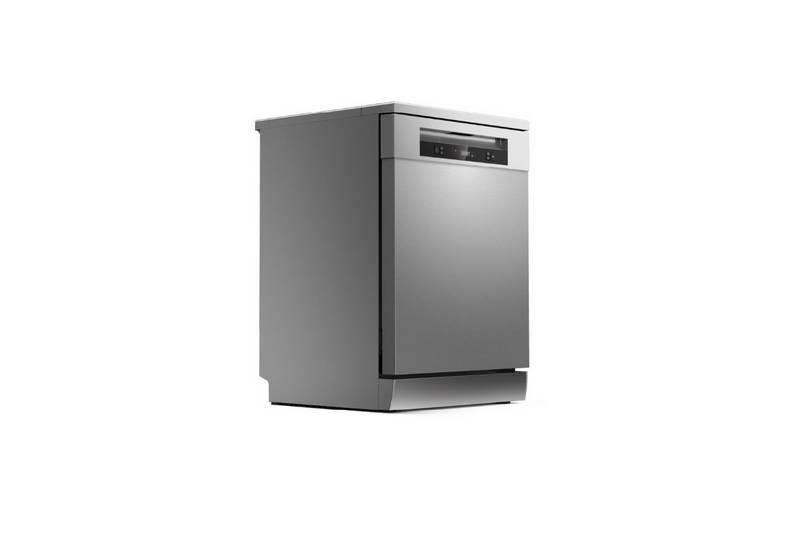
TOSHIBA DW-15F5SS-AU Dishwasher


Adding rinse aid to the dispenser
1
Remove the rinse reservoir cap by
lifting up the handle .
2
Pour the rinse aid into the dispenser,
being careful not to overfill.
3
Close the cap after all.
Adjusting the rinse aid reservoir
To achieve a better drying performance with limited rinse aid, the dishwasher is designed to
adjust the consumption by user. Follow the below steps.
1. Close the door and switch on the appliance.
2. Within 60 seconds after step 1, press the Program button more than 5 seconds
to enter the set model, the rinse aid indication blinks as 1 Hz frequency.
3. Press the Program button to select the proper set according to your using habits ,
the sets will change in the following sequence: D3->D4->D5->D1->D2->D3.
The higher the number, the more rinse aid the dishwasher uses.
4. Without operation in 5 seconds or press the Power button to exit the set model,
the set success.
18

| General | Details |
|---|---|
| Name | TOSHIBA DW-15F5SS-AU Dishwasher |
| Make | Toshiba |
| Language | English |
| Filetype | PDF (Download) |
| File size | 7.32 MB |
 (1 votes, average: 5.00 out of 5)
 Loading...

TOSHIBA DWS-22AMY(K) Dishwasher

TOSHIBA DW-08T1 Place Setting Dishwasher

FISHER PAYKEL DW60UT4I2 Sanitize Dishwasher

BOSCH SMS6ZDI48E Dishwasher

Hotpoint H7I HT59 L Dishwasher

Hotpoint W11635818 Dishwasher

AEG FFB73727PM Dishwasher

Whirlpool W11323304G Dishwasher

FISHER AND PAYKEL DD60D4NB9 Contemporary Dishwasher

BOSCH SPS2IKW01G Dishwasher

FISHER PAYKEL DD60DTX6I1 Integrated Dishwasher

stalgast 801350V06 Dishwasher