
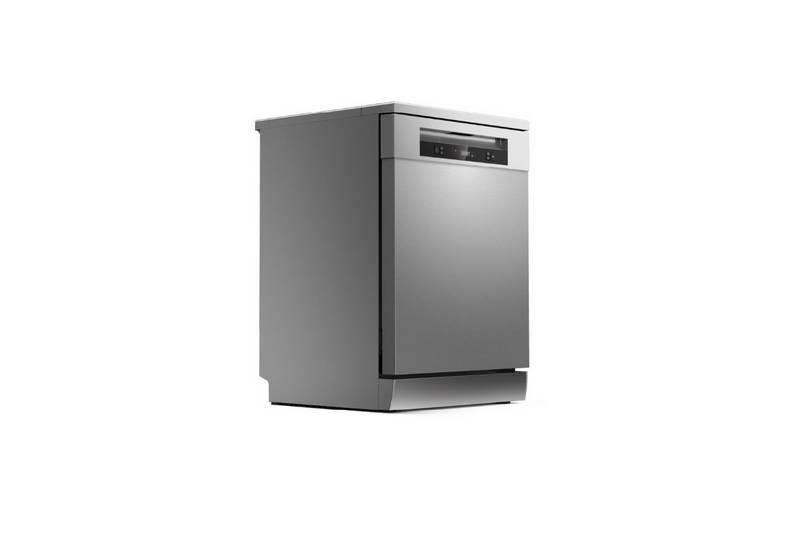
TOSHIBA DW-15F5SS-AU Dishwasher


Put additional dishes in
Additional dishes can be placed in at any time before dishwasher program start. If you
want to reload dishes in the process of washing, please follow instructions below:
1. Press “Start/Pause”button to pause washing program;
2. Wait for 5 seconds to open the door;
3. Put the additional dishes in;
4. Close the door;
5. Press “Start/Pause”button and after 10 seconds, the dishwasher will start again.
Auto Open
After washing, the door will open automatically to achieve
better drying effect.
Attention
The dishwasher door must not be blocked when set to open automatically.
This can disrupt door lock functionality.
15

| General | Details |
|---|---|
| Name | TOSHIBA DW-15F5SS-AU Dishwasher |
| Make | Toshiba |
| Language | English |
| Filetype | PDF (Download) |
| File size | 7.32 MB |
 (1 votes, average: 5.00 out of 5)
 Loading...

TOSHIBA DWS-22AMY(K) Dishwasher

TOSHIBA DW-08T1 Place Setting Dishwasher

Indesit I0F D641A Dishwasher

IKEA 704.755.04 MEDELSTOR Dishwasher

FRIGIDAIRE FDSP4401SS Dishwasher

BOSCH 041203 Dishwasher

IKEA RENGÖRA Dishwasher

FISHER AND PAYKEL DD24DAX9 N Dishwasher

Haier HDW15V2S2 Dishwasher

Whirlpool 3C26 Daily Reference Dishwasher

EdgeStar DWP63BL Dishwasher

BOSCH SGV2ITX22G Fully Integrated Dishwasher