
COVE DW2450 Dishwasher


DW2450 and DW2450WS Service Manual
service.subzero.com
800.222.7820
Controls and Operation
SHOWROOM MODE
Showroom mode is used to demonstrate the unit operation
in an environment where no water supply or drain is
available. In Showroom mode:
•
•
The entire UIM menu operates, and all wash cycles
are simulated and accelerated.
Control from the Sub-Zero Group Owner's App is
allowed. The digital Wi-Fi connection X13 is
unaffected by a change to Showroom mode, but
Showroom mode must be exited before the state of
X13 can be changed.
•
•
Standby Power mode is available.
Service mode and Child Lock mode are not
available.
•
Pressure-based drain pump control, diverter valve
movement, error checking, and Smart Grid requests
are not allowed.
ENTER SHOWROOM MODE
1
2
3
Touch and hold Options for 10 seconds or more to
enter the User Setup menu.
Use Options to scroll through the user setup options
to Showroom Mode.
Press Enter to set Showroom Mode to "On."
"Showroom Mode On" appears on the UIM.
EXIT SHOWROOM MODE
1
2
3
Touch and hold Options for 10 seconds or more to
enter the User Setup menu.
Use Options to scroll through the user setup options
to Showroom Mode.
Touch Enter to set Showroom Mode to "Off."
"Showroom Mode Off" appears on the UIM.
828019 REV B 08/2023
10

| General | Details |
|---|---|
| Name | COVE DW2450 Dishwasher |
| Make | Cove |
| Language | English |
| Filetype | PDF (Download) |
| File size | 0.71 MB |
 (1 votes, average: 5.00 out of 5)
 Loading...

COVE DW2451 Dishwasher

COVE DW2451-ADA Dishwasher

COVE DW2450, DW2450WS Dishwasher
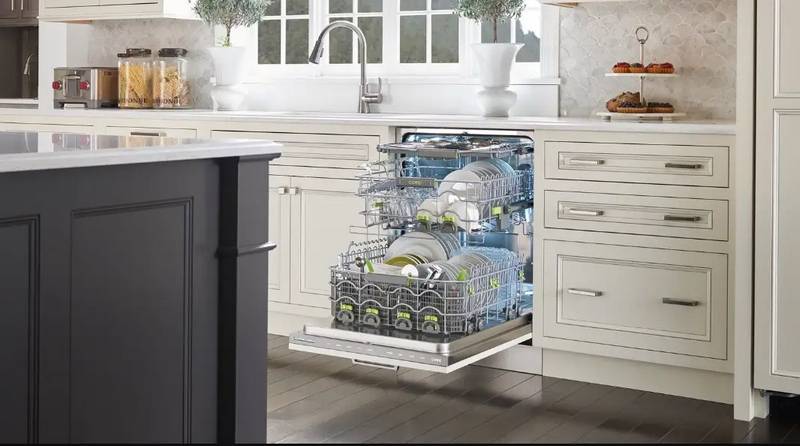
DW2450 Cove Dishwasher


FORTE F18DWS250SS 18 Inch Dishwasher

WASHTECH XP Dishwasher

HEINNER HDW-BI4505IE++ Dishwasher

Miele PFD 104 SCVi XXL XXL Dishwasher

LG LDPS6762D PrintProof Black Smart Dishwasher

inDeSIT DSIO3M24CS Dishwasher

SHARP SDW6888JS Slide in Smart Dishwasher

BOSCH SPV4XMX28E Dishwasher

BOSCH SHX3AR Dishwasher

BOSCH SHP88CL5N Custom Panel Dishwasher