
HEINNER HG-150SS Free Standing Dishwasher


5. Extra Rinse touch button
If Extra Rinse option is selected, washing- rinsing steps will be added into the selected program,
so you can ensure that your dishes will be extracted cleaner and glosser.
6. Half Load Touch Button
Press the Half Load button to select the area of the dishwasher that contains the dishes to be
washed. You can select both baskets, the upper basket only, or the lower basket only. Press the
button until the light corresponding to the basket contaning the dishes to be washed
illuminates.
7. Extra Dry Touch Button
Press the Extra Dry touch button to add extra drying steps to a programme in order to obtain
drier dishes. This option increases water temperature of the final rinse step and duration of the
drying step.
NOTE: Each time the machine is turned off and on, the Eco programme will be set as default.
Options chosen before will be cancelled.
NOTE:If an option is not compatible with the selected program, a buzzer sounds.
NOTE: If an extra feature has been used on the most recent wash programme, this feature will
remain active on the next selected programme. To cancel this feature on the newly selected
wash programme, press the feature button until the light on the button switches off.
8. Salt lack warning indicator
When there is insufficient softening salt, the Salt Lack Warning Indicator will illuminate to
indicate the salt chamber needs filling.
9. Rinse Aid lack warning indicator
When there is insufficient rinse aid, the Rinse Aid Lack Warning Indicator will illuminate to
indicate the rinse aid chamber needs filling.
NOTE: If you decide not to start the selected programme, please see the "Changing a
Programme" and "Cancelling a Programme" sections.
Changing a Programme
Follow the steps below to change a programme while in operation.
1.Open the door and press the Programme touch button (2) to select a new programme. If the
door is opened during operation, the time remaining of the selected programme will show on
the display (3).
2.After closing the door, the newly selected programme will resume the course of the old
programme.
NOTE: Open the door slightly at first to stop a wash programme before it is complete in order
to avoid water spillage.
Cancelling a Programme
Follow the steps below to cancel a programme while in operation or in standby mode.
1. Open the door of the machine, the most recently selected programme will be shown on
the display.
2. Press and hold the Programme touch button (2) for 3 seconds. At the end of 3 seconds, '1'
will show on the Display (3).
3. The water discharge process will start after the door of the machine is closed and will
continue for 30 seconds. When the programme is cancelled, a buzzer will sound 5 times.
18

| General | Details |
|---|---|
| Name | HEINNER HG-150SS Free Standing Dishwasher |
| Make | HEINNER |
| Language | English |
| Filetype | PDF (Download) |
| File size | 0.99 MB |
 (1 votes, average: 5.00 out of 5)
 Loading...

HEINNER HDW-BI6006IE++ Free Standing Dishwasher

HEINNER HWDM-V9614D Front Load Dishwasher
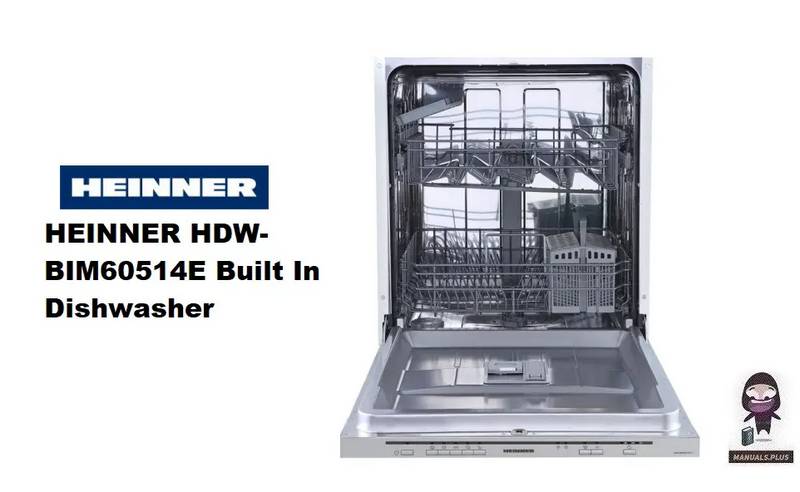
HEINNER HDW-BIM60514E Dishwasher

HEINNER HDW-FSM60714AWD Series Dishwasher

Heinner HDW-FS6062WE Dishwasher

HEINNER HDW-BI4505IE++ Dishwasher


SAMSUNG DW50T6060U Dishwasher

BOSCH SPH4EMX28E 4 Dishwasher

RANGEMASTER RDWP6015-I54 Integrated Dishwasher

IKEA 804.756.07 RENGÖRA Integrated Dishwasher

Midea MDC17P2BWW Dishwasher

Electrolux WR-Flex 100 Dishwasher

Whirlpool W3F D634 Dishwasher

INVENTUM VVW6040AB Building Depot Dishwasher

BOSCH SMV6ZCX19E-39 Dishwasher

FISHER AND PAYKEL DD60D4HNB9 Drawer Dishwasher