
LG DFB424 Dishwasher






42
SMART FUNCTIONS
change it to other security protocols (WPA2 is
recommended) and connect the product again.
3
Touch the add (~) button on the LG ThinQ
application to connect your LG appliance.
Follow the instructions in the application to
complete the process.
Deactivating Network
Connection
On your smartphone, disconnect to your home Wi-
Fi network.
NOTE
ꢀ
To verify the Wi-Fi connection, check that
on the control panel is lit.
f
icon
ꢀ
The appliance supports 2.4 GHz Wi-Fi networks
only. To check your network frequency, contact
your Internet service provider or refer to your
wireless router manual.
1
2
Run the LG ThinQ application.
ꢀ
LG ThinQ is not responsible for any network
connection problems or any faults,
malfunctions, or errors caused by network
connection.
Select and touch the Dishwasher in the
application.
ꢀ
ꢀ
The surrounding wireless environment can
make the wireless network service run slowly.
3
Select and touch the Delete Product on the
settings menu to disconnect it.
If the distance between the appliance and the
wireless router is too far, the signal strength
becomes weak. It may take a long time to
connect or installation may fail.
Open Source Software Notice
Information
ꢀ
If the appliance is having trouble connecting to
the Wi-Fi network, it may be too far from the
router. Purchase a Wi-Fi repeater (range
To obtain the source code that is contained in this
product, under GPL, LGPL, MPL, and other open
source licenses that have the obligation to disclose
source code, and to access all referred license
terms, copyright notices and other relevant
documents, please visit https://
extender) to improve the Wi-Fi signal strength.
ꢀ
ꢀ
The network connection may not work properly
depending on the Internet service provider.
The Wi-Fi connection may not connect or may be
interrupted because of the home network
environment.
opensource.lge.com.
LG Electronics will also provide open source code to
you on CD-ROM for a charge covering the cost of
performing such distribution (such as the cost of
media, shipping, and handling) upon email request
to opensource@lge.com.
ꢀ
The appliance cannot be connected due to
problems with the wireless signal transmission.
Unplug the appliance and wait about a minute
before trying again.
ꢀ
ꢀ
If the firewall on your wireless router is enabled,
disable the firewall or add an exception to it.
This offer is valid to anyone in receipt of this
information for a period of three years after our
last shipment of this product.
The wireless network name (SSID) should be a
combination of English letters and numbers. (Do
not use special characters.)
ꢀ
ꢀ
Smartphone user interface (UI) may vary
depending on the mobile operating system (OS)
and the manufacturer.
Smart Diagnosis
This feature is only available on models with the
c
or logo.
d
If the security protocol of the router is set to
WEP, you may fail to set up the network. Please
Use this feature to help you diagnose and solve
problems with your appliance.

| General | Details |
|---|---|
| Name | LG DFB424 Dishwasher |
| Make | LG |
| Language | English |
| Filetype | PDF (Download) |
| File size | 3.11 MB |
 (1 votes, average: 5.00 out of 5)
 Loading...

LG LDTH7972SS Black Dishwasher

LG SDWB24S3 STUDIO Smart Dishwasher

LG LDTH7972D Smart Tub Dishwasher

LG LDPH7972D Smart Dishwasher

LG XD3A25UMB 15 Place QuadWash Dishwasher

LG LDT779 Dishwasher

LG LDT7808BD Dishwasher

LG LDFN4542S Dishwasher

LG LDTS5552D PrintProof Black Dishwasher

LG LDPH7972S Smart Dishwasher

Hotpoint H2IHKD526UK Dishwasher

SIEMENS SN23EI14CE Dishwasher
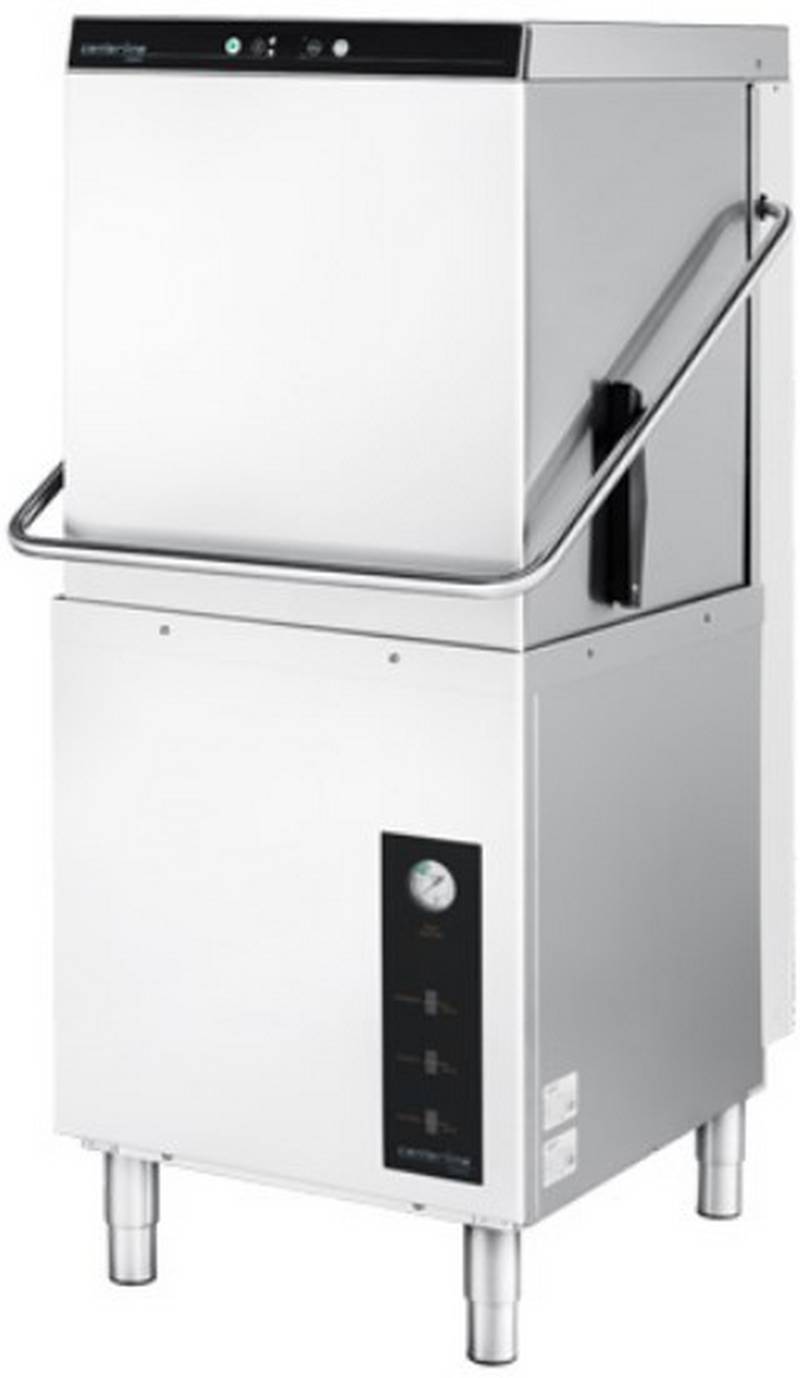
centerline CDH-1 51 Racks Hour Door Type Dishwasher

BOSCH SMS6ZCI85M Dishwasher

kleenmaid DW6020X Dishwasher

AEG F8642FI Fully Integrated Tall Tub Dishwasher

Whirlpool WIO 3T141 PS Fully Dishwasher

Whirlpool WDT975SAHZSS Fingerprint Resistant Smart Dishwasher

FISHER PAYKEL DD60D4HZB9 Dishwasher

Haier HDW15U3B1 Steam Built Under Dishwasher