
Home > Centerline > Centerline CDH ML-130374 Commercial Dishwasher
Centerline CDH ML-130374 Commercial Dishwasher


Installation and Operation Manual
CENTERLINE™ ECOLINE™
8.5 Washing
Open door.
Slide rack into the machine and close the door. The wash
cycle will start automatically.
While the washing cycle is running, the Start button
LED flashes. As soon as the Start button LED lights up
permanently, the rinsing process is complete, and
cycle ends.
The wash temperature is shown in the upper display
for the entire cycle.
The rinse temperature is shown on the lower display
only during the rinsing portion of the cycle.
Open the door and remove the rack.
Allow the ware enough time to dry.
8.5.1 Extending wash time (CDH and CDL only)
For heavier soiled ware, the wash cycle time can be extended by up to 4 minutes. (See section 9.3)
To extend the washing time, start a normal washing cycle by closing the door and within the first 10
seconds of the cycle starting, press the Start button.
While the extended washing cycle is running, both the Start button LED and the Menu button
LED flashes. As soon as the Start button LED lights up permanently, the rinsing process is
complete, and cycle ends.
Page 37 of 60
Ver2.0
F41220 (August 2022)

| General | Details |
|---|---|
| Name | Centerline CDH ML-130374 Commercial Dishwasher |
| Make | Centerline |
| Language | English |
| Filetype | PDF (Download) |
| File size | 1 MB |
 (1 votes, average: 5.00 out of 5)
 Loading...

Centerline CUH-130363 Commercial Dishwasher
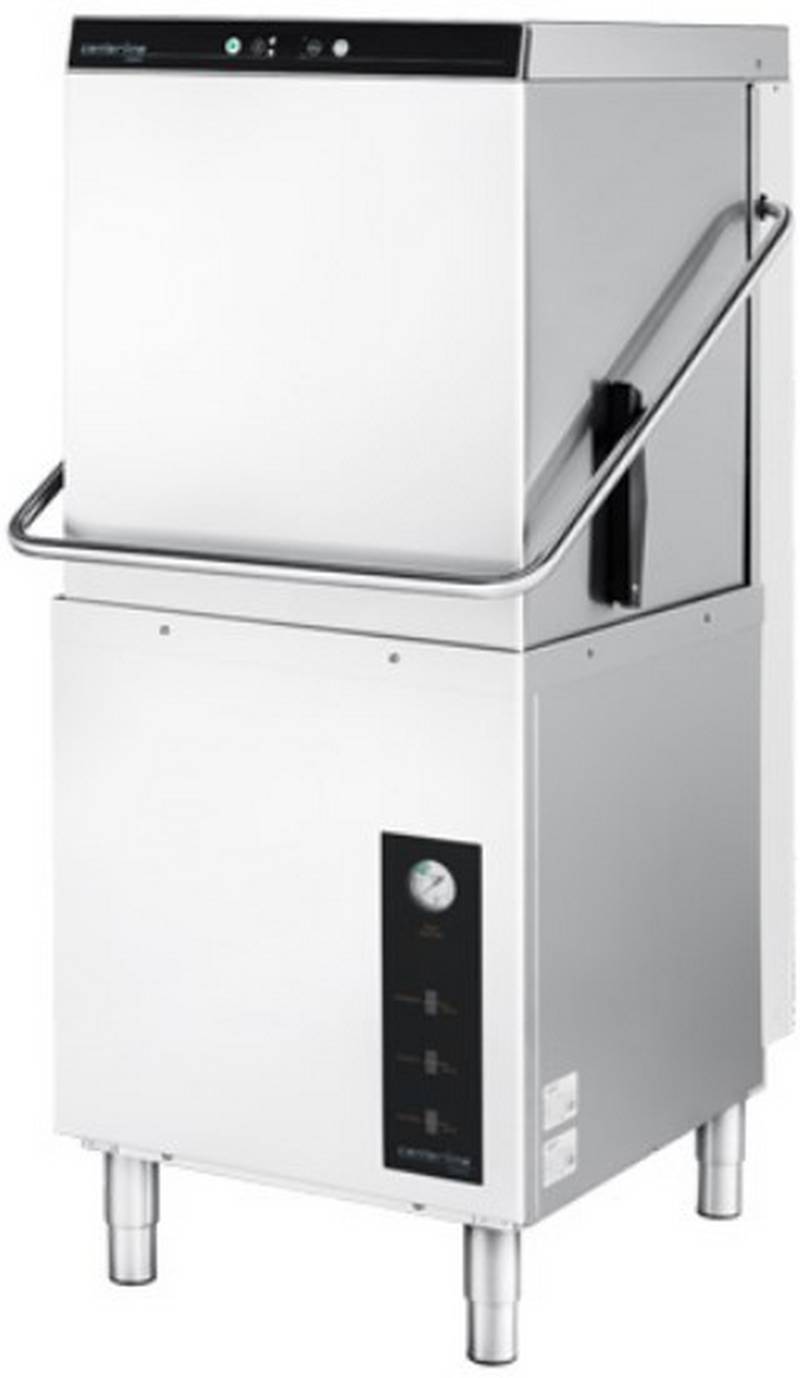
centerline CDH-1 51 Racks Hour Door Type Dishwasher


Whirlpool FB4Y7S Dishwasher

AEG FSK76748P Dishwasher

Haier HDW13V1S1 Dishwasher

Whirlpool X803KE Dishwasher

SAMSUNG DW60H9950FW-SA Dishwasher

FISHER PAYKEL DD60DDFB9 Dishwasher

AEG FSE63637P Dishwasher

Hotpoint HSFC 3T127 C Dishwasher

Haier HDW15F1B1 Dishwasher

BLAKESLEE UC-1000-1 Undercounter Dishwasher