
Home > Centerline > Centerline CDH ML-130374 Commercial Dishwasher
Centerline CDH ML-130374 Commercial Dishwasher


Installation and Operation Manual
CENTERLINE™ ECOLINE™
9.2 Opening the operator menu
Note: Machine must be in ready (idle) state.
Press the Menu button to access operator program settings.
The menu opens, and the Menu button LED illuminates.
The upper display will show the first item “00”.
To scroll from one item to the next, press the Wash button. After the last item, the sequence will
return to the first item.
→ 00 → 01 → 02 → … → 13 →
To save and exit the operator menu at any time, open the machine door and then close it.
9.3 Extended wash time (CDH and CDL only)
Top display shows “00”
Press the Menu button to edit settings
Bottom display shows current extended wash setting (in minutes): (default = 4)
Extended Wash setting can be set from 3 minutes to 6 minutes total wash time in 1-minute intervals.
Page 43 of 60
Ver2.0
F41220 (August 2022)

| General | Details |
|---|---|
| Name | Centerline CDH ML-130374 Commercial Dishwasher |
| Make | Centerline |
| Language | English |
| Filetype | PDF (Download) |
| File size | 1 MB |
 (1 votes, average: 5.00 out of 5)
 Loading...


Centerline CUH-130363 Commercial Dishwasher
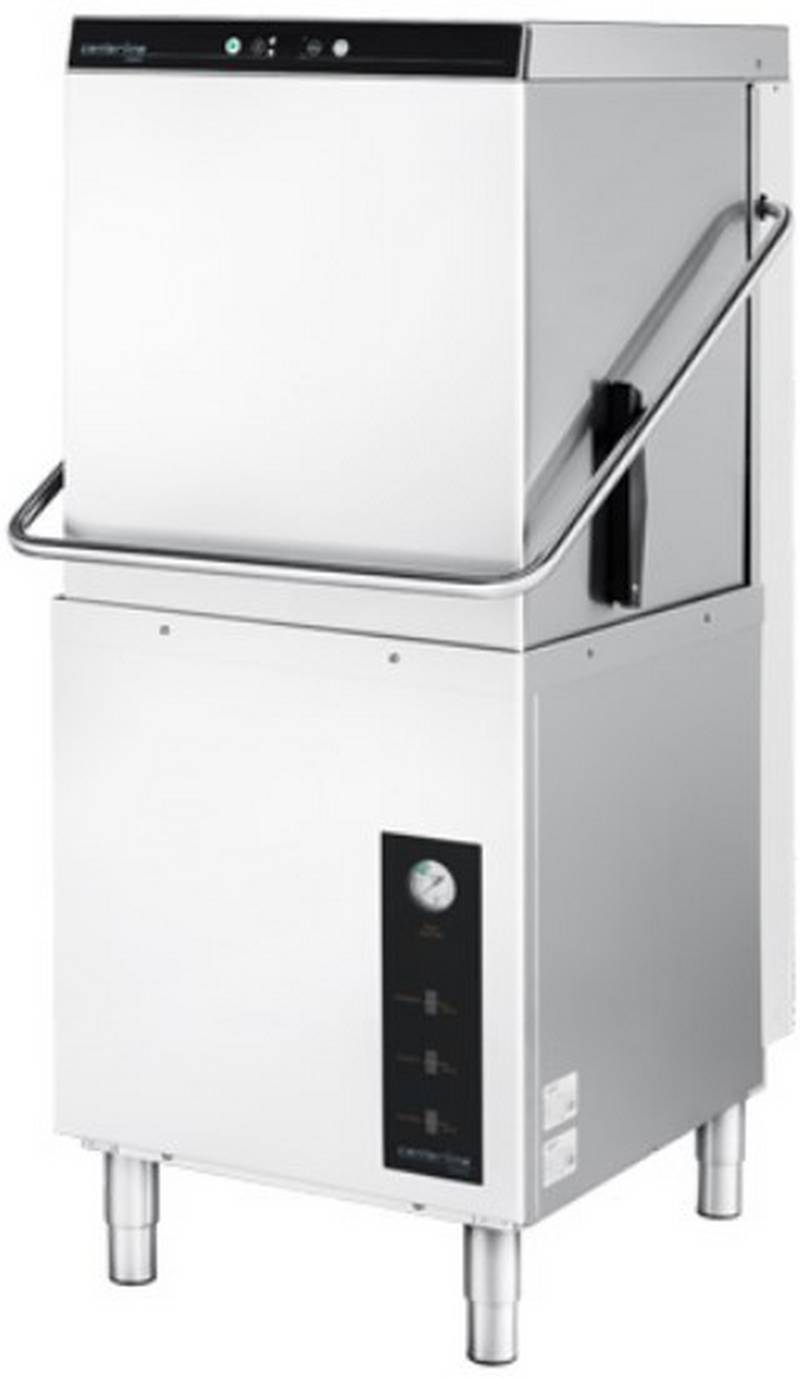
centerline CDH-1 51 Racks Hour Door Type Dishwasher


IKEA 804.621.67 Lagan Dishwasher

Kenmore 665.15822000 Undercounter Dishwasher

Whirlpool W11602471 Dishwasher

Hotpoint H7I HP42 L UK Dishwasher

FISHER PAYKEL DW60U2I1 Integrated Dishwasher

IKEA 104.756.15 Hygienisk Dishwasher

Scandomestic DWB1442WC Dishwasher

Samsung DW80CB5450 Series Dishwasher

BOSCH SHP88PZ55N Dishwasher

FISHER AND PAYKEL DD60DHI9 Integrated Dishwasher